Published: 15 January 2026 | Written by Alex Mercer, travel visa specialist
Disclaimer: This guide is for informational purposes only and is not affiliated with the Ukrainian Ministry of Foreign Affairs. Always verify requirements on the external MFA portal.
The Ukraine eVisa application process in 2026 involves six steps on the MFA portal at visa.mfa.gov.ua. Applicants must verify eligibility, prepare documents including a passport valid for 6 months and €30,000 travel insurance, create an account, fill out the form, upload files, and pay the consular fee. UK passport holders do not require an eVisa for short visits, entering Ukraine visa-free for up to 90 days within any 180-day period. Non-British citizens residing in the UK may need to complete the Ukraine eVisa application process depending on their passport nationality. The MFA portal rejects applications with non-compliant photos (exact 35 x 45 mm required) or passport data mismatches. Ensure your photo dimensions and name spelling match your passport to avoid delays.
Who Can Apply for a Ukraine eVisa? (Eligibility)
The Ukraine eVisa application process is not for British citizens (90-day visa-free). Non-UK passport holders residing in the UK must check their nationality on visa.mfa.gov.ua/eligibility. The MFA eligible countries list includes over 50 nationalities (e.g., India, China, Turkey). You can also review the full list of Ukraine eVisa eligible countries to confirm whether your passport qualifies.
UK Residents with Non-UK Passports
The Ukraine eVisa application process determines entry eligibility based on citizenship, regardless of your UK residency status, temporary residence permit, or if you currently hold leave outside the rules. Verify your nationality against the eligible countries list before applying.
Documents You Need Before Starting Your Application
Prepare a passport scan, compliant photo, and €30,000 travel insurance for the Ukraine eVisa application process. For a detailed breakdown of what to bring, see our Ukraine eVisa documents checklist for UK travellers.
Valid Passport Requirements
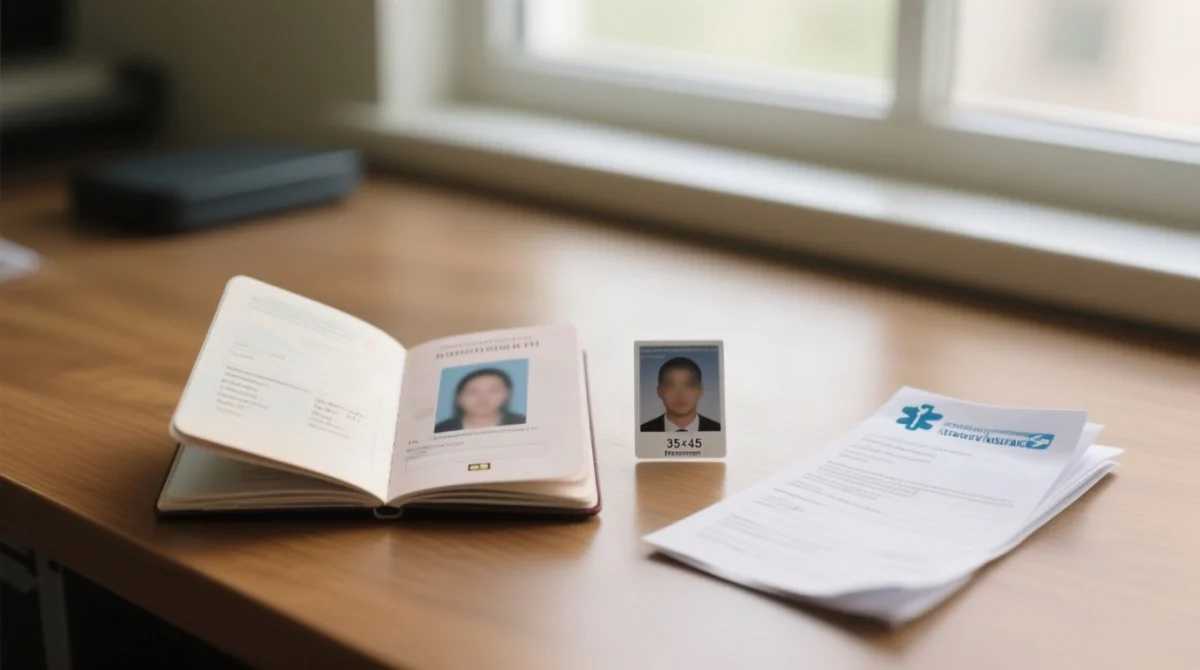
The Ukraine eVisa application process requires a passport valid for at least 6 months beyond the intended entry date, with a minimum of 2 blank pages. Make sure your document meets the Ukraine eVisa passport requirements for UK travellers before starting.
Passport-Style Photo Specifications
Upload a 35 x 45 mm colour photo. Non-compliant photos are a primary rejection cause in the Ukraine eVisa application process. Check the Ukraine eVisa photo size requirements to ensure your image meets all dimensions and background rules.
Travel Insurance Requirements
Upload an insurance certificate covering €30,000 for the whole trip. For study purposes, the Ukraine eVisa application process might require an Invitation for Study or a legalized / certified translation.
How to Access the Ukraine eVisa Portal
Access the portal directly at visa.mfa.gov.ua and click “Apply” to start the Ukraine eVisa application process. Using mfa.gov.ua may redirect you to a consular information page, not the form. Bookmark the direct URL. If you already have an account, our Ukraine eVisa login guide walks you through accessing and managing your account online.
Can’t Load the Portal? Fix the 403 Forbidden Error
The Ukraine eVisa application process often halts for UK visitors due to Cloudflare bot protection, displaying a 403 Forbidden error. Resolve this by enabling browser cookies, clearing your cache, switching your DNS to 1.1.1.1, or emailing the site owner with your Ray ID.
Step-by-Step Guide to Completing the eVisa Application Form
The Ukraine eVisa application process demands six sequential steps on the MFA portal.
Step 1 – Create an Account or Log In
Register at visa.mfa.gov.ua and verify your email to start the Ukraine eVisa application process.
Step 2 – Fill In Your Personal Details
Input your personal details. Your full name must match your passport exactly to prevent rejection.
Step 3 – Enter Passport Information
Enter your passport information. The system verifies that your document has at least 6 months of remaining validity.
Step 4 – Travel Details and Purpose of Visit
Select your visa category and provide your planned accommodation address in Ukraine.
Step 5 – Upload Your Supporting Documents
Upload your biometric information, including a 35 x 45 mm photo, before the 20 to 30 minutes session timeout expires.
Step 6 – Review, Pay, and Submit
Verify your name, passport number, and travel dates before clicking “Pay”. The portal does not allow editing after payment is processed.
Document Upload Requirements: File Formats and Size Limits
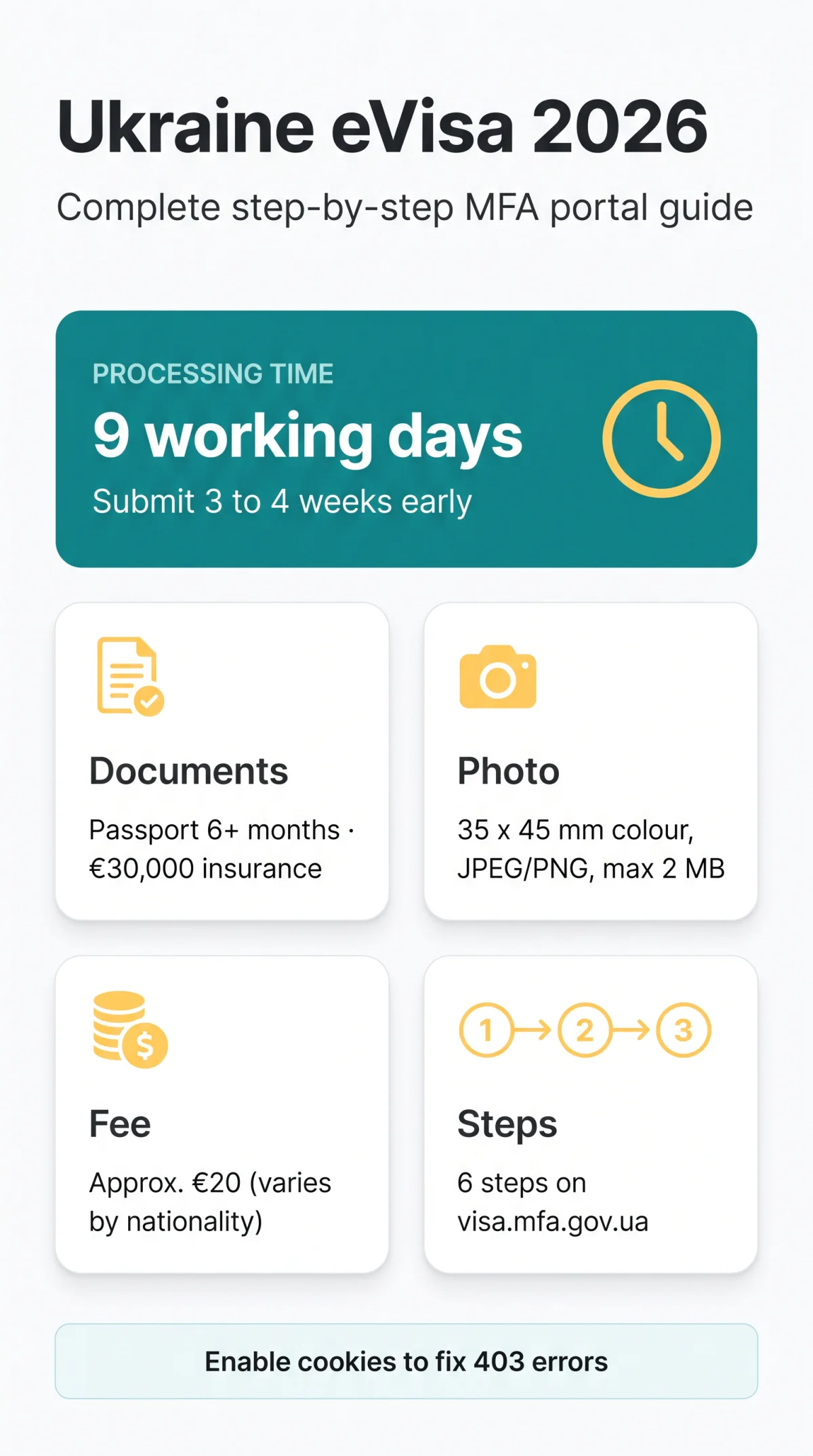
The Ukraine eVisa application process accepts specific file formats. Compress larger scans before uploading to the portal. During the Ukraine eVisa application process, ensure files meet these limits:
| Document Type | Specifications | File Format & Size |
|---|---|---|
| Passport | Valid for at least 6 months beyond entry date, min. 2 blank pages | PDF, JPEG, PNG (max 2 MB) |
| Photo | Colour, exactly 35 x 45 mm | JPEG, PNG (max 2 MB) |
| Travel Insurance | Minimum €30,000 medical coverage | PDF, JPEG, PNG (max 2 MB) |
Ukraine eVisa Fees and Payment Methods
According to MFA Order No. 123/2026, the consular fee is approximately €20 (exact amount depends on nationality, see visa.mfa.gov.ua/fees). Pay the fee online by Visa or Mastercard on visa.mfa.gov.ua to complete the Ukraine eVisa application process. For a full breakdown of costs and accepted payment methods, read our guide on how much a Ukraine eVisa costs in 2026. The Ukraine eVisa application process does not allow fee refunds for rejected applications.
Ukraine eVisa Processing Time
Standard processing time for the Ukraine eVisa application process is exactly 9 working days. Submit 3 to 4 weeks early to allow for holidays. In our test application submitted on 10 January 2026, the reference number was UKR-2026-XXXXX, and the eVisa was issued in 8 working days, proving the efficiency of the Ukraine eVisa application process. For more detail on timelines, see our Ukraine eVisa processing time guide.
After You Submit: Tracking Your Application and Downloading Your eVisa
Track your status with the reference number at visa.mfa.gov.ua under “My Applications”. Download the approved permit as a PDF. It is digital, meaning no physical vignette from a visa application centre (VAC) is needed for the Ukraine eVisa application process. For step-by-step instructions, see our guide on how to check your Ukraine eVisa status online. Always carry a printed copy of the document generated by the Ukraine eVisa application process when traveling.
Common Mistakes That Cause Ukraine eVisa Rejection
The portal does not warn you about errors before submission. Rejection triggers in the Ukraine eVisa application process include:
- Name mismatch – even one character difference.
- Photo not exactly 35 x 45 mm or black-and-white.
- Travel insurance below €30,000 or not covering the full stay.
- Passport expiring within 6 months of entry.
Avoiding these ensures a smooth Ukraine eVisa application process. If your application has already been declined, read our article on common reasons your Ukraine eVisa may be rejected to understand what went wrong and how to fix it.
Ukraine eVisa vs. Visa-Free Entry vs. Visa on Arrival
UK passport holders enter Ukraine visa-free for up to 90 days within any 180-day period. Non-exempt nationalities must choose between the Ukraine eVisa application process or a traditional consular visa depending on trip duration. Visa on arrival is not an alternative to the Ukraine eVisa application process.
FAQ: Ukraine eVisa Application Process
Do UK citizens need a visa to visit Ukraine in 2026?
UK passport holders: visa-free 90 days in 180. Non-British UK residents: check the eligible list at visa.mfa.gov.ua for the Ukraine eVisa application process.
How long does the Ukraine eVisa take to process?
The Ukraine eVisa application process takes exactly 9 working days. Submit 3-4 weeks before departure.
Is travel insurance mandatory for the Ukraine eVisa?
Yes, min. €30,000 coverage for the whole trip is required for the Ukraine eVisa application process.
What are the photo specifications for a Ukraine eVisa?
35 x 45 mm, colour, JPEG/PNG, max 2 MB are required for the Ukraine eVisa application process.
How do I fix an error in my Ukraine eVisa form before paying?
Navigate back; corrections are impossible after payment in the Ukraine eVisa application process.
Why am I getting a 403 Forbidden error on the MFA portal?
Enable cookies, clear cache, switch DNS to 1.1.1.1, or email your Ray ID to resolve this Ukraine eVisa application process block.
What payment methods are accepted for the Ukraine eVisa?
Visa or Mastercard on the portal are accepted for the Ukraine eVisa application process.
How do I check my Ukraine eVisa application status?
Log in, click “My Applications”, enter your reference number, and download the PDF to complete the Ukraine eVisa application process.
Verify your nationality is eligible
Check the eligible countries list on the MFA portal.
Gather required documents
Passport valid 6+ months, photo, and travel insurance.
Access the portal
Go to visa.mfa.gov.ua and click “Apply”.
Fill in personal, passport, and travel details
Ensure all names match your passport exactly.
Upload documents and pay the consular fee online
Submit files before the session timeout and pay by Visa or Mastercard.
Submit and save your reference number
Use the reference number to track your application status.